WooCommerce and Polylang: Selling in Several Languages Without Polylang for WooCommerce
Polylang translates your product pages, not your shop: prices, variations and stock stay on the original. What is missing, the options, and what AutoLingo 1.7 does.
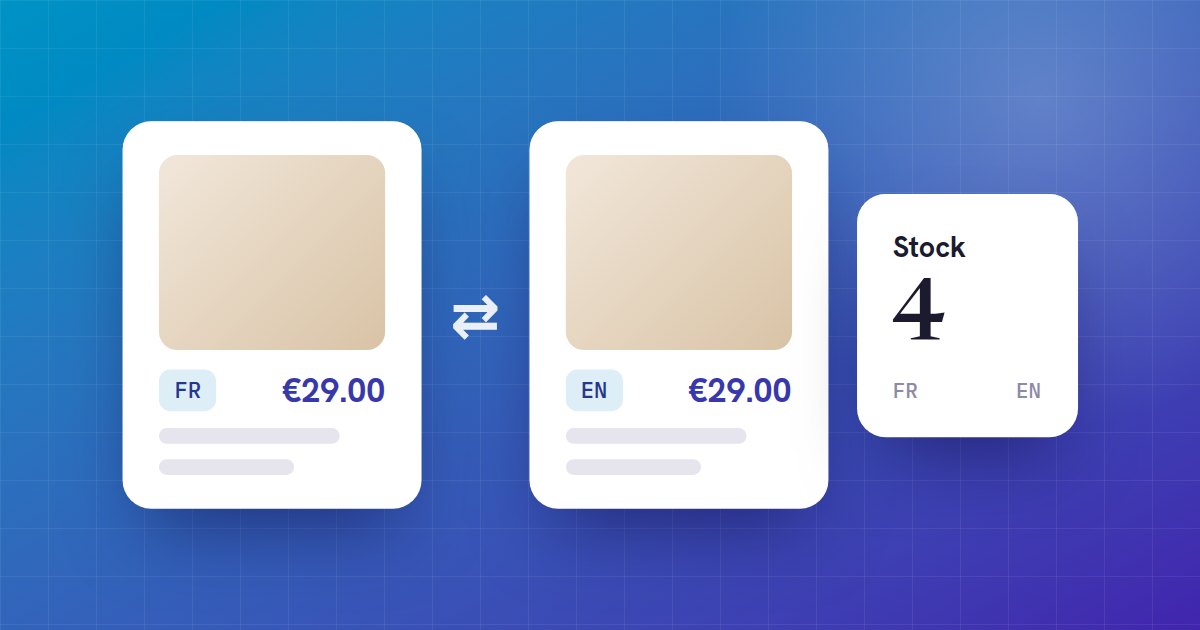
Polylang, which is free, can make your WooCommerce products translatable: each translation is a product of its own, linked to the original. But Polylang handles the language, not the shop. The product type, the price, the variations and the stock do not carry over from one translation to another.
What happens without syncing
- The translation of a variable product has no variations: customers can pick neither a size nor a colour.
- With no price, the translated product cannot be added to the cart.
- Each language has its own stock: a sale in English does not lower the French stock, and the same item can be sold twice.
- Upsells and cross-sells point at the products of the original language.
The options
- Polylang for WooCommerce, the paid add-on from Polylang’s makers, which syncs products between languages.
- With WPML, the free WooCommerce Multilingual add-on does this job.
- Copying everything by hand: workable for a few products, not for a catalogue that changes.
- AutoLingo Premium 1.7: it translates the texts and, when neither add-on above is active, syncs the shop too.
What AutoLingo 1.7 does
- The translation gets the original’s product type, prices and sale dates, tax, stock and shipping settings, dimensions, images and downloads.
- Each variation of the original gets a translated variation, with its description translated and its attributes in the right language.
- Upsells, cross-sells and grouped products point at the translated products.
- When you edit the original product or one of its variations, its translations follow.
- The stock is shared: a sale, a refund, a cancellation or an edit in any language gives the same stock everywhere.
- The SKU is never copied: WooCommerce wants it unique.
We checked it on a test shop: an order of two items placed in English lowers the stock of both languages, cancelling it puts the stock back, and the English product page offers the translated options and adds the right variation to the cart.
What gets translated
The title, the long and short descriptions, the attributes (global ones such as Colour through their terms, a product’s own ones with their name and values), the variation descriptions, the purchase note, categories and tags, and image alt text. The SEO fields of Yoast, RankMath, SEOPress and The SEO Framework too.
Products translated before
Translations made before version 1.7 get their prices, variations and stock the next time their original product is saved. For the whole catalogue at once, without translating the texts again, use the command below (AutoLingo 1.7.1); --dry-run lists what would be done first. New translations have everything from the start.
wp pdat sync-products --dry-run
wp pdat sync-products