Translate an existing WordPress site in one click, without WP-CLI
A live site, dozens of pages with no translation, and a host with no command line: AutoLingo 1.8 translates everything from the admin, then repairs what earlier translations left in the original language.
Adding a language to a site that already exists means translating dozens or hundreds of pages at once. Until now, AutoLingo did that with a WP-CLI command. Yet many shared hosts give no command line, and those that do often stop long tasks.
Everything missing, from the admin
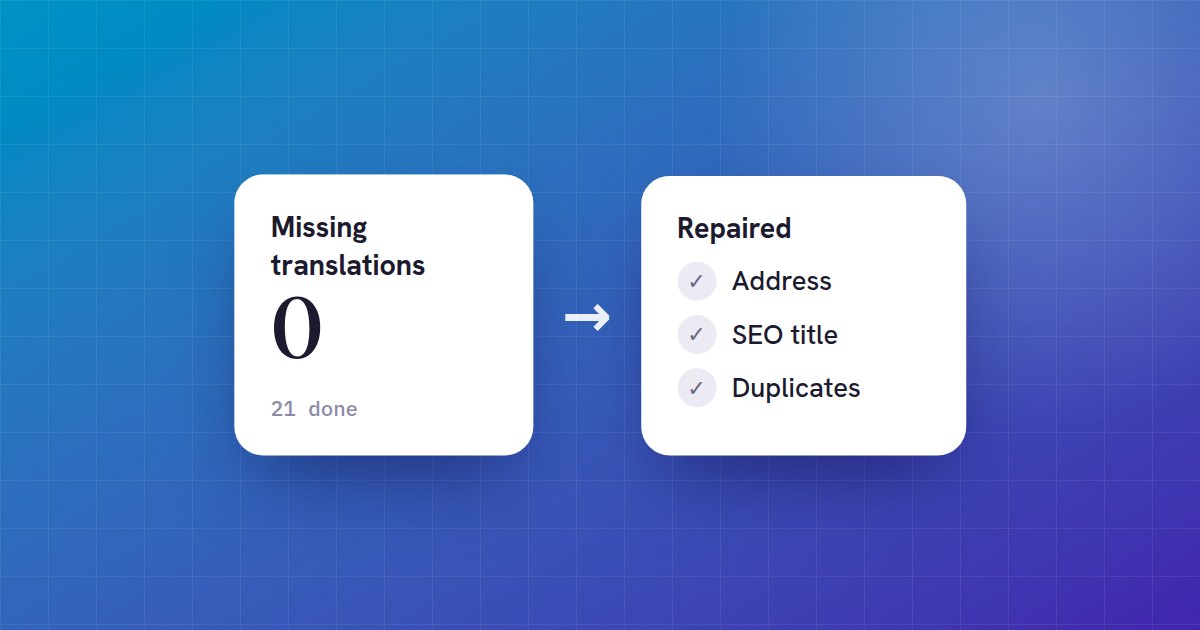
In Settings → AutoLingo → Tools, AutoLingo 1.8 shows how many translations are missing, and for how many pages. One button creates them all. Each request works for about twelve seconds, then the page asks for the rest, so no host or cache time limit, such as Varnish's, stops it. If a page fails, it is set aside and the rest carries on. It is part of the free version.
Review before publishing
Translating a hundred pages at once also means publishing a hundred pages at once. A new setting, New translations, offers three choices: published right away, saved as drafts, or pending review so that an editor publishes them. Updates then keep the status a translation has: one you unpublished stays unpublished.
Repairing older translations
On a site translated by hand, by copying or with another tool, pieces of the original language often remain where you do not see them on the page:
- The address: the English page is still /en/a-propos-2/. AutoLingo gives it an address from its translated title, and the old address redirects to the new one (301), so no links or rankings are lost.
- The SEO title and description (Premium): Yoast, RankMath, SEOPress or The SEO Framework show Google a French title for the English page. AutoLingo translates them, keeping variables such as %sitename%.
- Duplicates: a page translated twice, the first copy having lost its link to the original. AutoLingo lists them, with the translation it keeps, and can move them to the trash.
The same tools exist on the command line. --dry-run lists without changing anything:
wp pdat translate-missing --dry-run
wp pdat repair --dry-run
wp pdat duplicates