How to Translate a Divi Site with Polylang: Modules, Theme Builder and Forms
Divi keeps button labels and tab titles in its module settings, and your headers and footers in the Theme Builder. What a translator has to change there, and what it must leave alone.
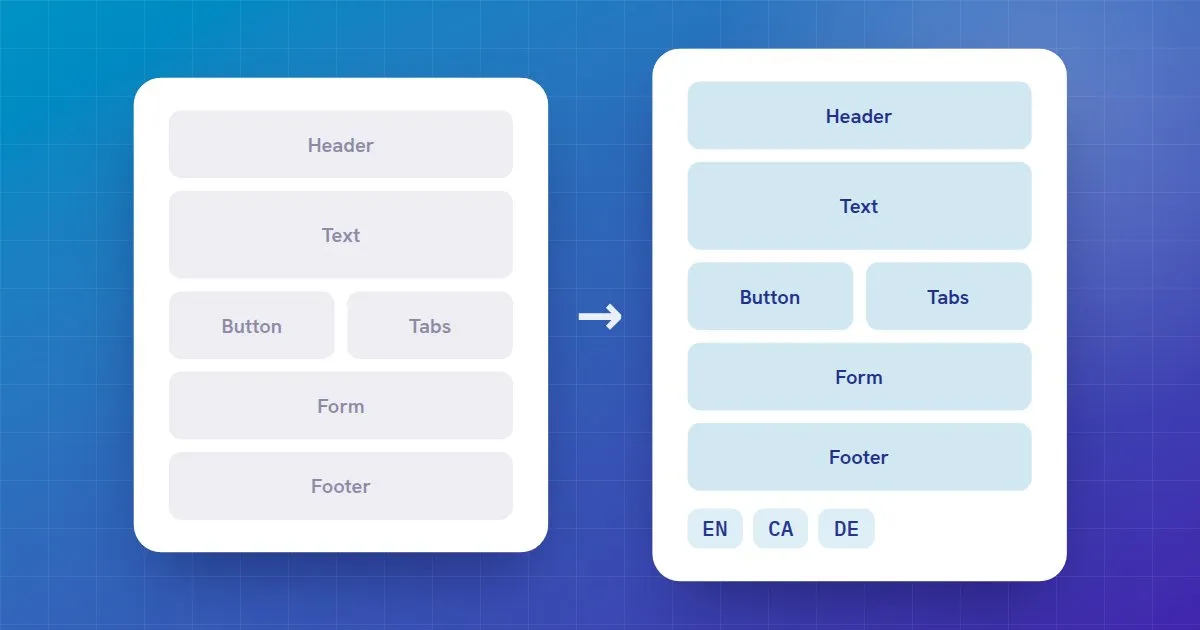
A Divi 4 page is saved in the post content as shortcodes: [et_pb_section], [et_pb_text], [et_pb_button]… Some of the text sits between the tags, like the content of a Text module. The rest is in the module settings: a button label, a tab or blurb title, an image's alt text. A tool that only translates the text between the tags leaves those labels in the original language; a tool that sends the shortcodes as they are to the translator can break them.
What to translate, and what to leave alone
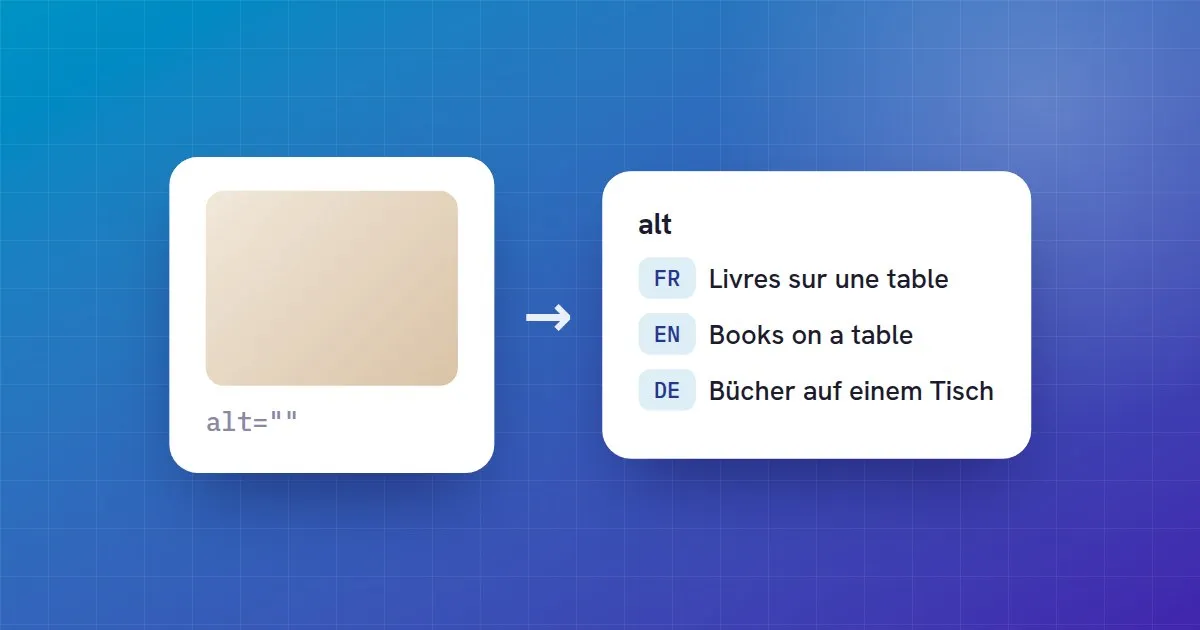
- Translate: Text module content, headings, button labels, tab, toggle and blurb titles, alt text
- Leave as it is: colours, sizes, links, IDs, CSS classes and display settings
- The Theme Builder: your headers, footers and body layouts, saved apart from the pages
- The menus of Menu modules, and your forms
Modules
AutoLingo replaces each shortcode with a neutral marker before sending the page to the translation provider, then puts it back exactly as it was. With Premium it also reads the settings of Divi and DiviFlash modules, picks out the ones that hold text your visitors read, and sends them in the same request as the rest of the page. Settings that are not text, such as a colour, a size, a link or a switch, never go to the provider.
If you use a third-party module pack whose shortcodes have another prefix, add it with a filter in your child theme or a small plugin:
add_filter( 'autolingo_shortcode_prefixes', function ( array $prefixes ) {
    $prefixes[] = 'dsm_'; // the shortcodes of a Divi module pack
    return $prefixes;
} );
The Theme Builder
Your site's header and footer are not in your pages: the Theme Builder keeps them as separate layouts, and a template says which ones to show. AutoLingo translates those layouts like pages, then gives each page the header and footer of its language on the site. A Menu module shows the translated menu of the same language.
Worth knowing: each time the Theme Builder is saved, Divi trashes, seven days later, the layouts no template names. Translations are among them, since the template names the original. AutoLingo keeps a layout's translation while its original is in use; the translations of an abandoned layout go with it.
Contact Form 7 forms
Many Divi sites use Contact Form 7. Premium translates the labels, the submit button, placeholders, the messages visitors see and the auto-reply, and each page shows the form of its language with the same shortcode. Menu and checkbox options stay in the original language: they are the values the form sends you.
Code modules
A Code module often holds code: structured data, CSS, a small JavaScript calculator. AutoLingo never sends that code to the translation provider; it only translates the texts a visitor reads in it. The texts of structured data (JSON-LD) are translated, with inLanguage and the page's address updated. So are the words of CSS content: "…" values.
For a script, you decide: add data-autolingo="translate" to its tag, and its labels are translated and the locale it formats numbers with ('fr-FR') follows the page. IDs, selectors and compared values stay as they are. A script without the attribute is never changed, since only you know whether a string is also used by the code.
<script data-autolingo="translate">
Set it up
- Set up your languages in Polylang (at least two).
- Install AutoLingo Premium and activate your licence.
- Pick a provider in Settings → AutoLingo, or AutoLingo AI, included with Premium, with no key. A provider can be chosen language by language: DeepL for Catalan, for example.
- Save a page or a Theme Builder layout: the translations are created and linked in Polylang. For the rest of the site, Settings → AutoLingo → Tools translates whatever is missing.
The free version already translates the text between Divi's shortcodes and keeps the shortcodes intact. Module settings, the Theme Builder and Contact Form 7 need Premium.
What about Divi 5?
Divi 5 no longer saves pages as shortcodes but as blocks, with its settings in another format. This article covers Divi 4, the version most live sites run today.