Alt text: AutoLingo AI describes the images that have none
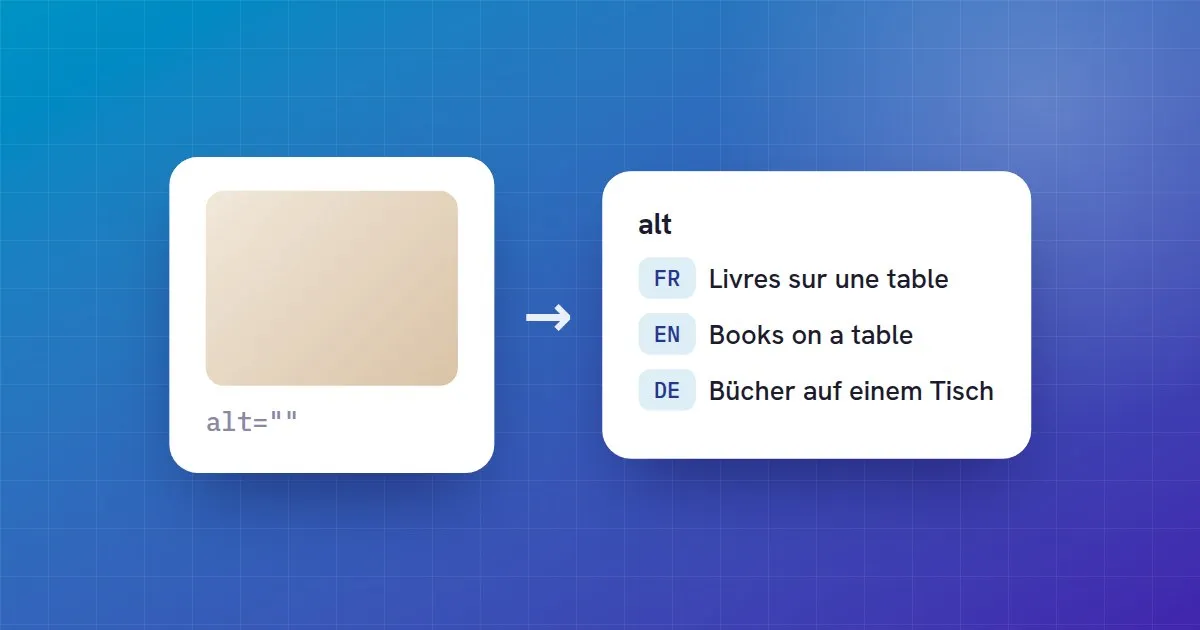
An image without alt text says nothing to a screen reader or to Google Images. AutoLingo 1.12 looks at it, writes a sentence that describes it, then translates it into all your languages.
On most sites, a good share of the images have no alt text. For someone using a screen reader, those images do not exist; for Google Images either. A translation tool could not help: it translates the alt texts that exist, not the missing ones.
What AutoLingo 1.12 does
AutoLingo AI looks at each image that has no alt text and writes one short sentence describing it, in the image’s language. AutoLingo then translates that sentence into your other languages, onto the image’s translations (Polylang or WPML).
- One sentence of 125 characters at most, without “photo of” or “image of”.
- The AI uses the title, the caption and the page the image appears on, but does not copy file names like IMG_2041.jpg and never invents the name of a person or a place.
- An alt text already written is never replaced.
- A purely decorative image (a background, a texture, a separator) stays without alt text, as accessibility guidelines recommend.
A test on two real photos
We tried it on two photos from a French course website, with nothing to go on but a meaningless file title. Each answer came back in about two seconds (the site is in French, so the AI wrote in French; here in English):
- A table covered with textbooks: “Books, cards and French learning materials laid out on a table.”
- A Rodin statue: “Bronze statue of a seated man, leaning forward with his hand under his chin.”
Both texts are accurate and precise, with no invented name: the AI did not write “The Thinker” because nothing in the context said so. Had the caption said it, it would have used it.
Where to start it
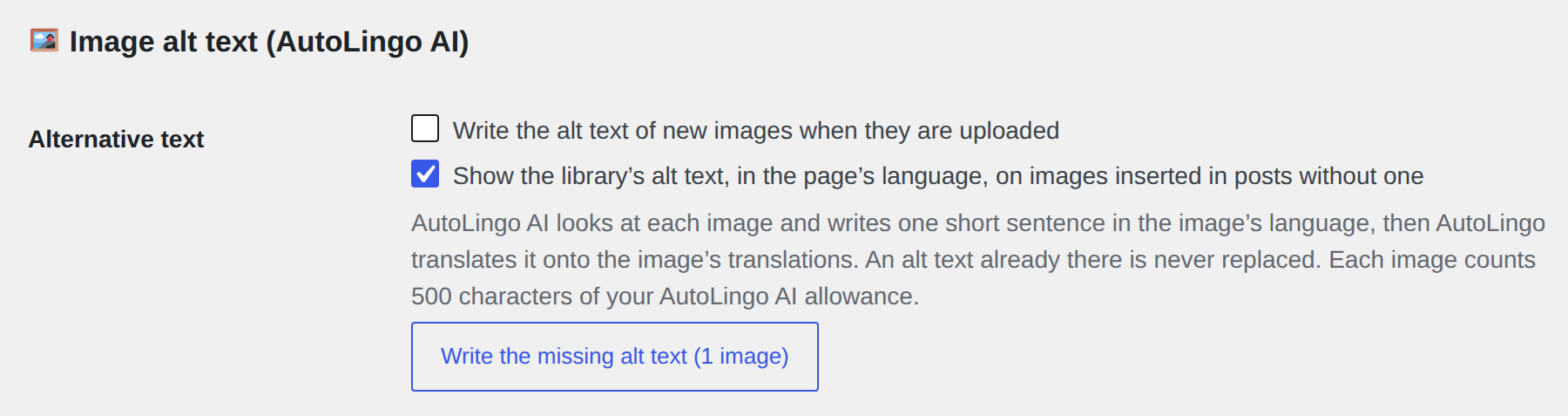
- In the media library, list view: the Write alt text (AutoLingo AI) link under each image, or the bulk action for several images.
- In Settings → AutoLingo → Modules: a button for every image without alt text, handled in the background.
- On every upload, if you tick the option.
- From the command line:
wp pdat alt --dry-run
wp pdat alt
What about images already in your pages?
WordPress copies the alt text into the page when you insert the image: an image added without alt text keeps an empty alt, even once the media library is filled in. AutoLingo fills that gap when the page is shown: it displays the media library’s alt text, in the page’s language. The saved content does not change, and an alt text written in the page always wins.
In the free version too: captions and titles translated
With Polylang’s or WPML’s media translation, AutoLingo already translated each image’s alt text. Since version 1.12 it also translates its caption, description and title, in the same call. A text edited by hand on the translation is not overwritten. This is included in the free version.
What it costs
Writing alt text is part of AutoLingo Premium and runs on AutoLingo AI, with no API key. Each image counts 500 characters of the monthly allowance: the million characters included each month per site cover about 2,000 images on top of your translations. Translating the sentence into your other languages uses your usual provider, DeepL, Google or another.